10 Best No-Code AI Agent Builders in 2026
.jpg)

Don’t miss what’s next in AI.
Subscribe for product updates, experiments, & success stories from the Nurix team.
Support queues keep growing, but headcount rarely does. Teams are expected to respond faster, resolve more queries, and still maintain quality across every interaction.
That gap is pushing many Customer Experience (CX) leaders to explore no-code AI agents as a practical way to handle repetitive work without adding operational strain. In fact, 62% of organizationers are already experimenting with AI agents that can execute multi-step workflows.
When looking into no-code AI agents, the first question usually comes down to which platforms to use. Which tools are reliable, which ones scale, and how they actually fit into real workflows.
In this blog, you will find the best no-code AI agent builders in 2026, how they compare, and a clear path to building an agent that fits your operations.
Executive Summary: No-code AI agents help teams automate workflows without extensive engineering support, but platforms vary in the depth of their execution. The strongest tools combine integrations, observability, and enterprise readiness. NuPlay by Nurix AI supports real-time voice and chat workflows across support, sales, and operations, while others focus on app automation, custom agents, or forms.
Key Takeaways:
- Workflow depth matters: Choosing a no-code AI agent depends on how well it executes multi-step workflows, because tools that only automate steps still require manual follow-ups.
- End-to-end execution creates real value: Real value comes from agents that complete tasks end-to-end, since partial automation increases handoffs instead of reducing workload.
- Integrations must support action: Strong integrations matter because agents need to read, update, and act across Customer Relationship Management (CRM), support, and internal systems without breaking flows.
- Scale affects customer experience: Platforms must handle scale and parallel workflows, as unstable execution leads to delays, escalations, and inconsistent customer experience.
- Observability is essential: Observability and performance tracking become critical because teams need to understand where agents fail and optimize workflows over time.
What Are No-Code AI Agents?
No-code AI agents are intelligent software programs designed and deployed without requiring traditional programming or coding skills.
They use visual interfaces, drag-and-drop tools, and pre-built AI components to automate complex tasks, including customer interactions, internal workflows, and data analysis.
No-code AI agents operate through a combination of these core elements:
- Visual Workflow Design: Users build agent behaviors via graphical interfaces that map out conversation flows or process steps.
- Pre-Trained AI Models: These agents use existing machine learning models for Natural Language Processing (NLP), sentiment analysis, and decision-making.
- Data Integration: They connect seamlessly with enterprise databases, Application Programming Interfaces (APIs), and Software as a Service (SaaS) tools to fetch and process real-time information.
- Context Awareness: Agents maintain memory and context over interactions to deliver personalized responses.
- Automation Execution: Based on triggers and workflows, agents perform automated actions across channels such as chat, voice, and email.
This is where no-code AI agents start to move beyond basic automation, especially when workflows need context, decisions, and actions across different systems.
How No-Code AI Agents Are Different From Traditional Automation Systems?
Traditional rule-based automation systems operate on predetermined, static rules defined by experts. These systems execute tasks strictly when specific conditions are met, making them effective only for predictable, repetitive processes.
No-code AI agents, on the other hand, utilize artificial intelligence and machine learning to understand context, interpret natural language, and make decisions dynamically without manual rule adjustments.
Below are the key differences between no-code AI agents and traditional automation systems.
Also read: 5 Top AI Agents for B2B Lead Qualification Tools [2026]
That difference becomes important when comparing platforms, because some tools mainly automate app-to-app tasks, while others are built to run more complete agent workflows.
Top No-code AI Agent Builders for 2026
Selecting a no-code AI agent builder directly impacts how well automation performs once it is live. The real difference shows up in how platforms handle multi-step workflows, integrate with existing systems, and remain stable under everyday use.
Before going deep into each tool, this comparison shows how these no-code AI agent builders differ in execution capabilities, integrations, and real-world usability.
Here are the no-code AI agent builders in 2026 that are being used to run real workflows.
1. NuPlay by Nurix AI
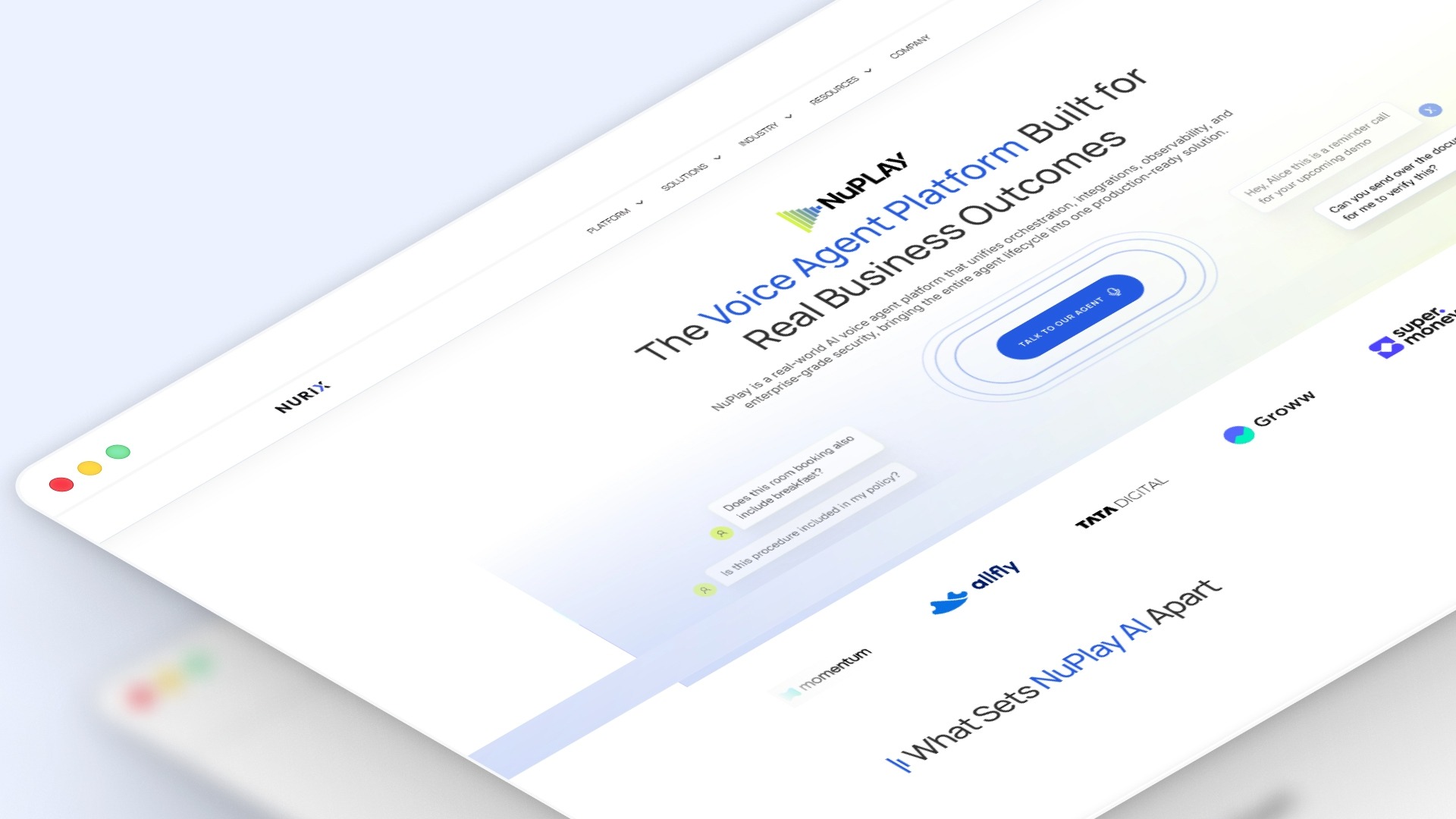
NuPlay by Nurix AI is an enterprise-grade voice and chat AI platform that enables organizations to design, deploy, and manage AI agents that execute end-to-end workflows across systems.
This platform is built to run voice and chat AI agents that handle end-to-end customer and operational workflows.
NuPlay by Nurix AI brings orchestration, integrations, observability, and governance into a single system, so teams can automate support, sales, and internal processes without losing control or quality.
Key features
- Multi-agent orchestration: NUplay by Nurix AI enables multi-agent orchestration, in which specialized agents handle different tasks within a single workflow to improve accuracy and efficiency.
- Real-time voice and chat execution: It supports real-time voice and chat execution with low latency, allowing natural conversations across support, sales, and operations.
- Enterprise system integrations: The platform integrates with 400+ enterprise systems, including CRM, Enterprise Resource Planning (ERP), and communication tools, enabling seamless workflow automation.
- Full observability with NuPulse: NUplay by Nurix AI provides full observability through tools like NuPulse, giving teams visibility into response time, containment, resolution rates, and performance trends.
- Enterprise-grade security: It includes enterprise-grade security features such as Personally Identifiable Information (PII) redaction, audit trails, and configurable data retention policies to ensure compliance.
Best for: Enterprise teams looking to automate high-volume, multi-step workflows across support, sales, and internal operations with measurable outcomes.
Pros
- Strong multi-agent orchestration for complex workflows
- High accuracy with context-aware task execution
- Deep integrations across enterprise systems
- Real-time analytics and performance visibility
- Scales across channels without workflow breakdown
Cons
- Requires clear workflow planning before deployment
- Setup may need enterprise-level alignment
Pricing: Custom enterprise pricing based on deployment scale and workflow complexity.
NuPlay by Nurix AI delivers measurable impact, including up to 60–70% reduction in processing time, 35–50% faster lead qualification, and 40% lower average resolution time, making it suitable for teams focused on real operational outcomes.
2. Zapier
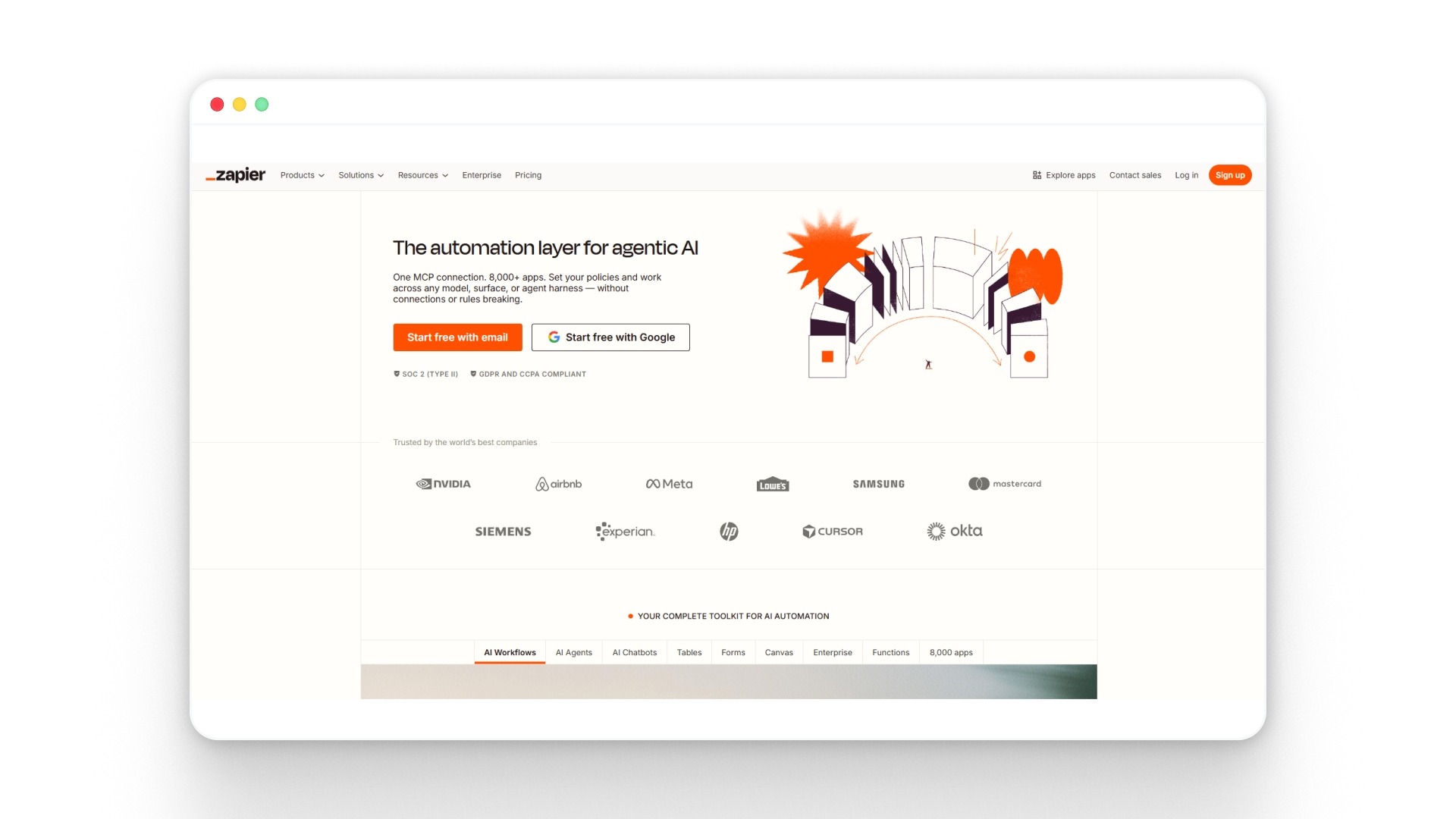
Zapier is a no-code automation platform that connects thousands of apps and lets teams build AI-powered workflows without writing code. It extends this capability with AI agents that can monitor triggers, make decisions, and execute tasks across systems in real time.
Key features
- Zapier connects to over 9,000 apps, allowing workflows to run across tools like CRMs, email, support systems, and databases.
- It enables multi-step automations, called “Zaps,” where triggers in one app automatically execute actions in others.
- Zapier Agents can monitor incoming data, decide what matters, and take action across workflows without manual input.
- AI can be embedded into any workflow step, from content generation to decision-making and routing.
- Built-in tools like Canvas and Copilot help teams design, visualize, and deploy workflows faster using natural language.
Best for: Teams that want to quickly automate repetitive workflows across multiple tools, especially when integrations are the priority.
Pros
- Extremely large integration ecosystem
- Fast setup with minimal technical effort
- Strong workflow automation flexibility
- AI agents handle repetitive operational tasks
- Widely adopted and well-documented platform
Cons
- Limited control for complex enterprise workflows
- Can become expensive at higher task volumes
- Less suited for deep, multi-agent orchestration
- Debugging complex flows can get difficult
- Performance depends on third-party integrations
Pricing: Zapier offers a Free plan at $0/month, a Professional plan starting at $19.99/month billed annually, a Team plan starting at $69/month billed annually, and an Enterprise plan with custom pricing.
3. n8n
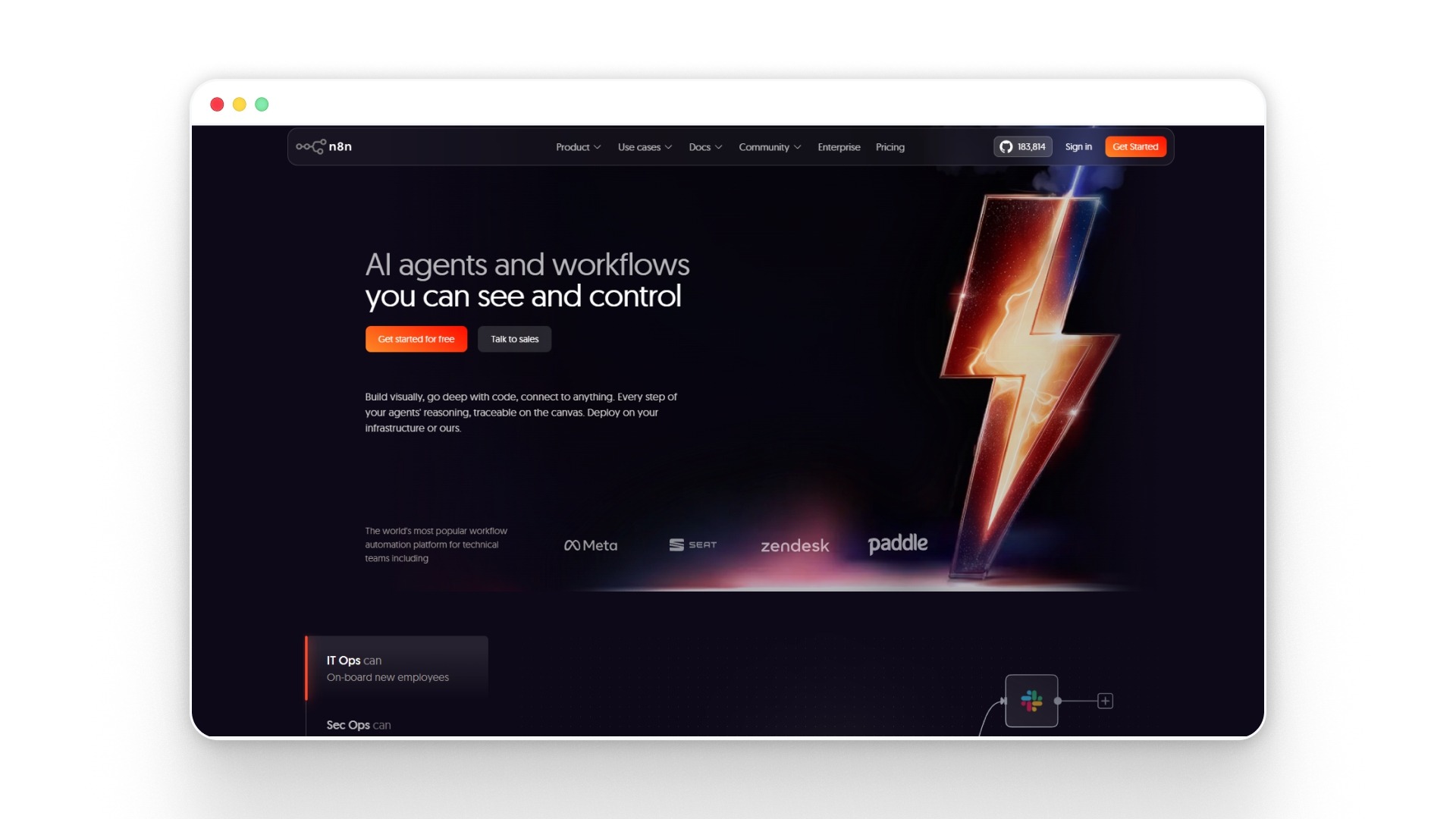
n8n is a workflow automation platform that combines no-code speed with the flexibility of code, allowing teams to build and run complex automations across apps, APIs, and internal systems.
It is widely used by technical and semi-technical teams because it offers full control over workflows, deployments, and data through self-hosting and customization.
Key features
- n8n provides a visual, node-based workflow builder that allows users to design complex automation logic step by step without heavy coding.
- It supports over 1000+ integrations with tools such as Slack, Google Sheets, and CRMs, enabling cross-system automation.
- The platform allows self-hosting, giving teams full control over data, infrastructure, and compliance requirements.
- n8n combines no-code with custom scripting, allowing developers to extend workflows using JavaScript or APIs when needed.
- It includes AI capabilities and agent workflows, enabling automation of multi-step processes through a single interface.
Best for: Teams that need flexible, customizable automation with control over data, infrastructure, and workflow logic.
Pros
- Open-source flexibility with self-hosting control
- Strong support for complex workflow logic
- Combines no-code speed with code-level control
- No vendor lock-in for long-term scalability
- Cost-effective for high-volume automation use
Cons
- Requires technical understanding for advanced workflows
- UI is less intuitive for non-technical users
- The setup and maintenance effort is higher
- Limited out-of-the-box enterprise features
- Scaling needs infrastructure management
Pricing: n8n pricing starts at €20/month billed annually, with Pro at €50/month, Business at €667/month, and custom Enterprise pricing.
Also read: AI Sales Explained: 5 Use Cases Driving Sales Automation in 2026
4. Lindy
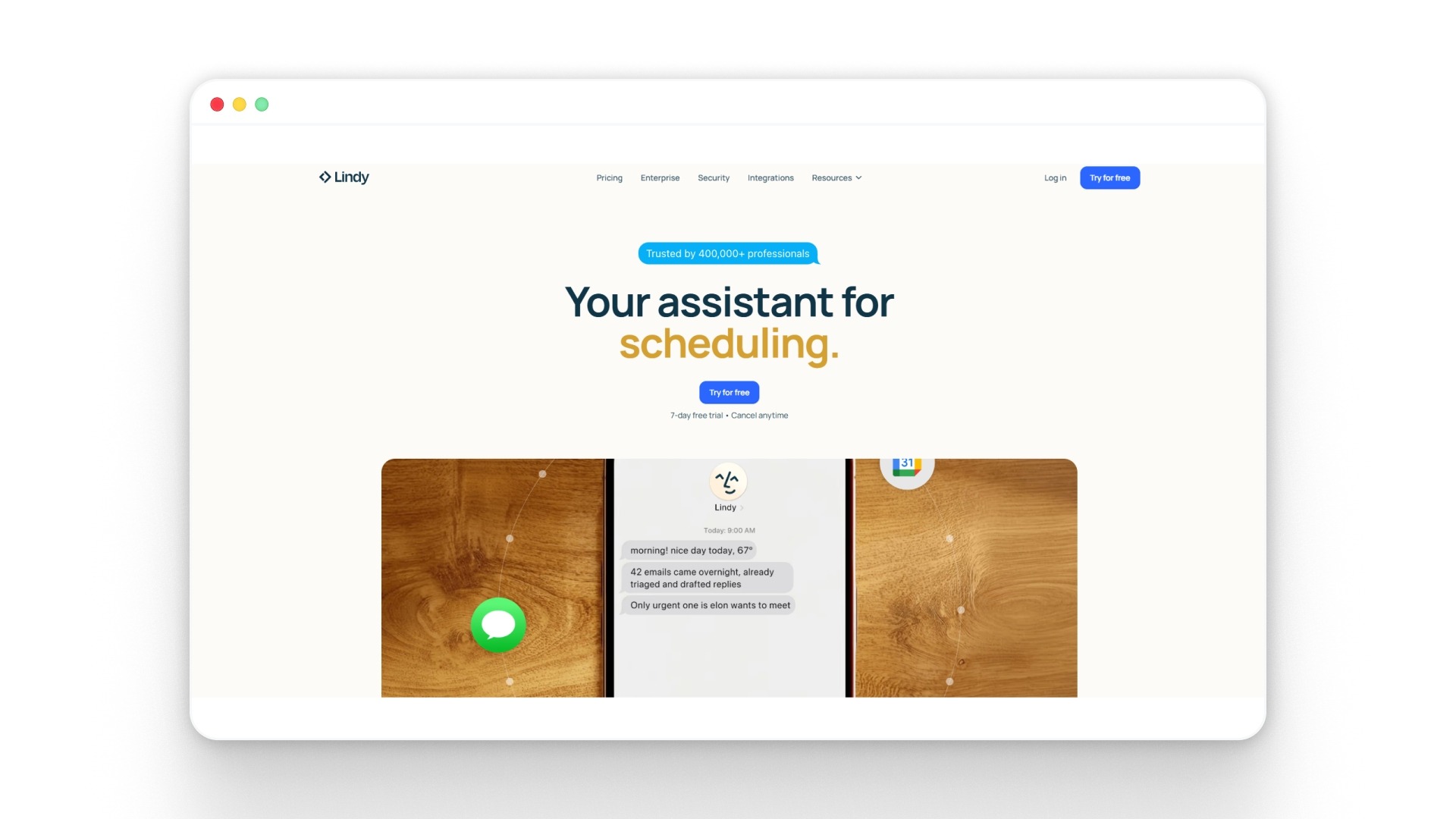
Lindy is a no-code AI agent platform designed to automate everyday business tasks such as follow-ups, scheduling, CRM updates, and internal operations with simple instructions.
It focuses on turning repetitive workflows into “AI employees” that can take actions across tools like email, calendar, and CRM systems without manual effort.
Key features
- Lindy allows users to create AI agents using plain English prompts, removing the need for complex workflow building or coding.
- It supports thousands of integrations across tools like Gmail, Slack, HubSpot, and calendars, enabling cross-system automation.
- The platform includes pre-built templates for common workflows such as lead follow-ups, meeting summaries, and customer support replies.
- Lindy automates multi-step tasks like scheduling meetings, updating CRMs, and sending follow-ups based on context and triggers.
- It offers enterprise-ready features such as security controls, compliance standards, and team-level collaboration settings.
Best for: Sales, support, and operations teams looking to automate repetitive workflows like outreach, scheduling, and CRM updates without heavy setup.
Pros
- Easy agent creation using natural language
- Strong integrations across business tools
- Pre-built templates for quick deployment
- Handles repetitive admin tasks efficiently
- Works well for sales and outreach workflows
Cons
- Limited depth for complex enterprise workflows
- Surface-level integrations in some cases
- Less control over advanced logic and routing
- Credit-based pricing can become unpredictable
- Not built for high-stakes support automation
Pricing: Lindy pricing starts at $49.99/month for Plus, with Pro at $99.99/month, Max at $199.99/month, and custom Enterprise pricing.
5. Relevance AI
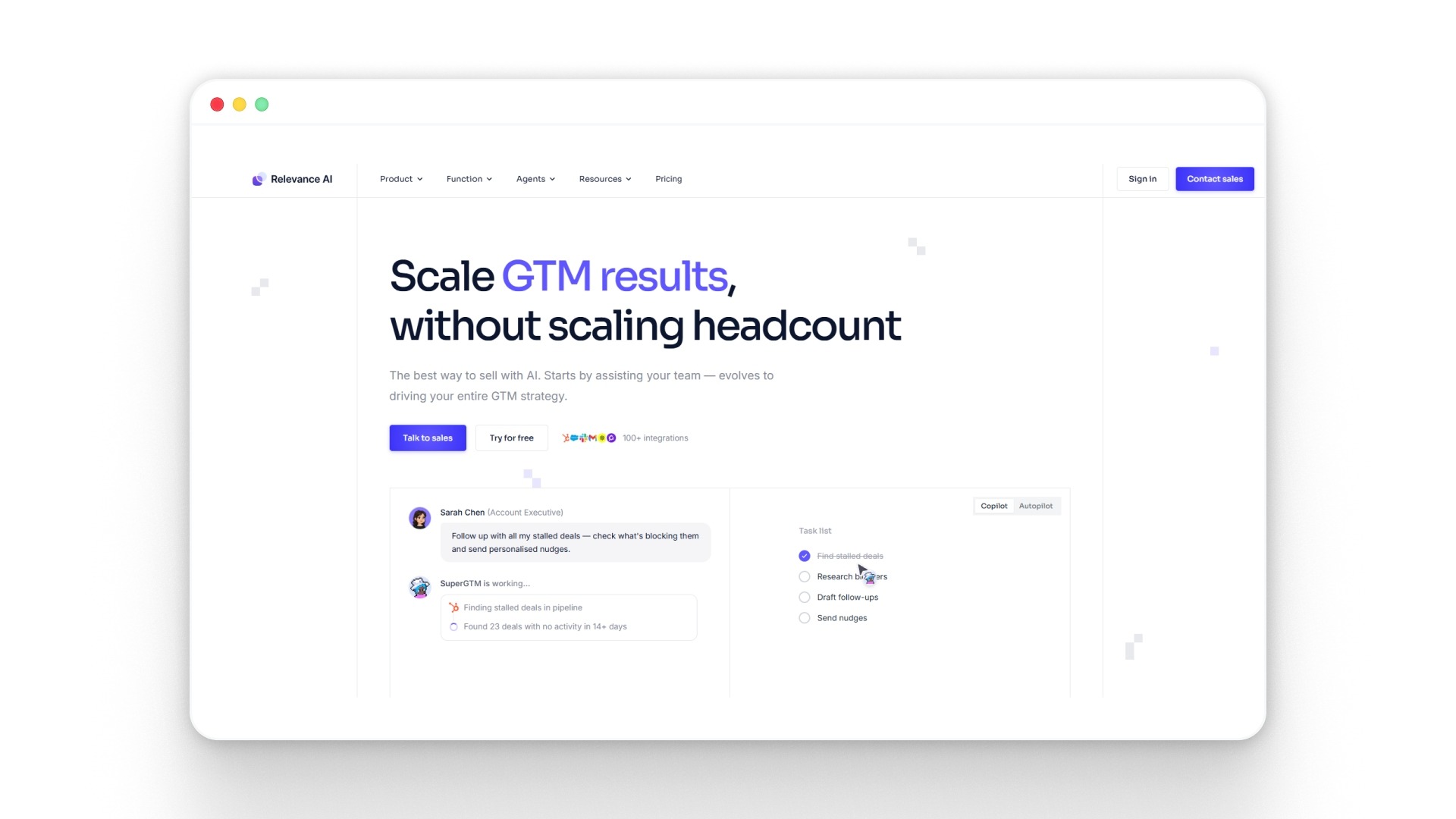
Relevance AI is a no-code AI agent platform designed to help teams build and run “AI workforces” that can execute tasks across sales, operations, and data workflows.
It focuses on enabling agents to plan, decide, and act autonomously through tools, integrations, and structured workflows.
Key features
- Relevance AI allows you to build custom AI agents using a no-code interface with templates, tools, and workflow components.
- It supports multi-agent systems where multiple agents collaborate to complete complex workflows in parallel.
- Agents can use tools and integrations (2000+ systems) to take real actions like updating CRMs, analyzing data, or sending outputs.
- The platform includes a modular “skills” system, where agents are equipped with reusable workflows and capabilities.
- It enables event-triggered automation, allowing agents to run based on signals like new leads, inbound requests, or workflow updates.
Best for: Teams that want to build AI agents that handle data-heavy workflows, sales operations, and multi-step task execution across systems.
Pros
- Strong agent autonomy with decision-making capabilities
- Supports multi-agent collaboration for complex workflows
- Large integration ecosystem for real-world execution
- Flexible modular system for building reusable agent skills
- Works well for data, sales, and ops automation
Cons
- Requires workflow thinking for effective setup
- UI can feel complex for non-technical users
- Needs tuning for consistent agent performance
- Not focused on voice-first interactions
- Advanced use cases need a structured design approach
Pricing: Relevance AI offers Free at $0/month, Pro at $19/month, Team at $234/month, and custom Enterprise pricing
6. Gumloop
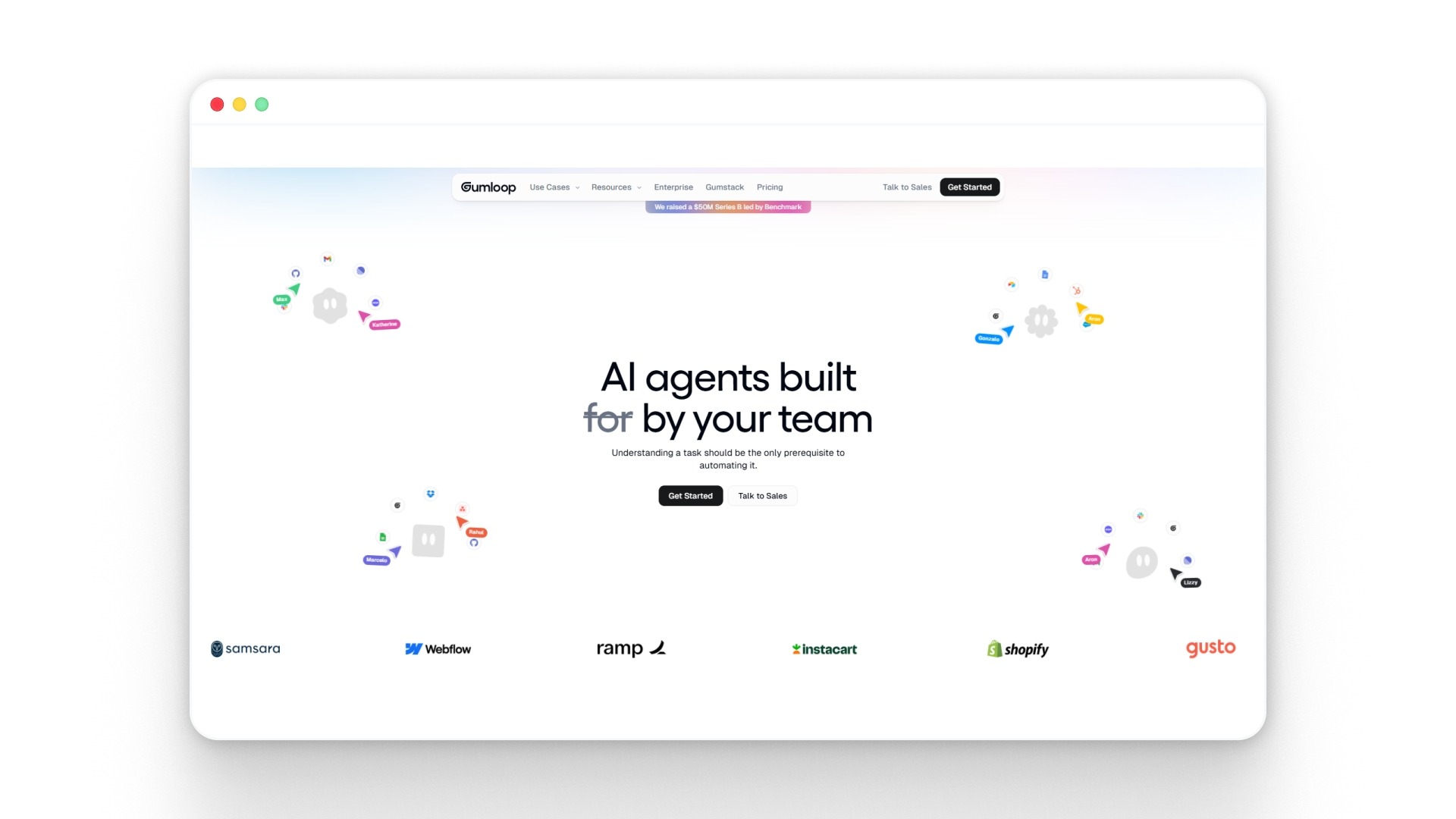
Gumloop is a no-code AI automation platform that allows teams to build and run AI-driven workflows using a visual drag-and-drop interface.
It combines AI reasoning with structured workflows, enabling agents to handle tasks like data extraction, analysis, and multi-step execution across systems.
Key features
- Gumloop provides a visual canvas for users to design multi-step workflows that combine logic, integrations, and AI-driven actions.
- It enables AI agents to access tools and data sources and execute tasks such as analysis, reporting, or automation without manual input.
- The platform supports integration with tools such as CRM systems, spreadsheets, and communication apps to enable end-to-end workflow execution.
- It allows batch processing and large-scale automation, making it suitable for handling repetitive, high-volume tasks efficiently.
- Gumloop uses an AI-first approach, embedding reasoning steps directly into workflows rather than adding them as a separate layer.
Best for: Teams that need to automate complex, logic-heavy workflows using AI, especially across operations, marketing, and data processes.
Pros
- Strong control over workflow logic and execution
- AI is integrated directly into automation steps
- Supports large-scale batch processing workflows
- Flexible integrations across multiple systems
- Suitable for complex, multi-step task automation
Cons
- Requires workflow design and logical thinking
- Not a fully autonomous agent-first system
- Setup can feel complex for beginners
- Credit usage needs active monitoring
- Less guided compared to agent-first tools
Pricing: Gumloop has a Free plan, Pro starting at $37/month, and Enterprise with custom pricing.
Also read: Top 8 Palantir Alternatives Enterprises Are Actually Evaluating in 2026
7. Dify
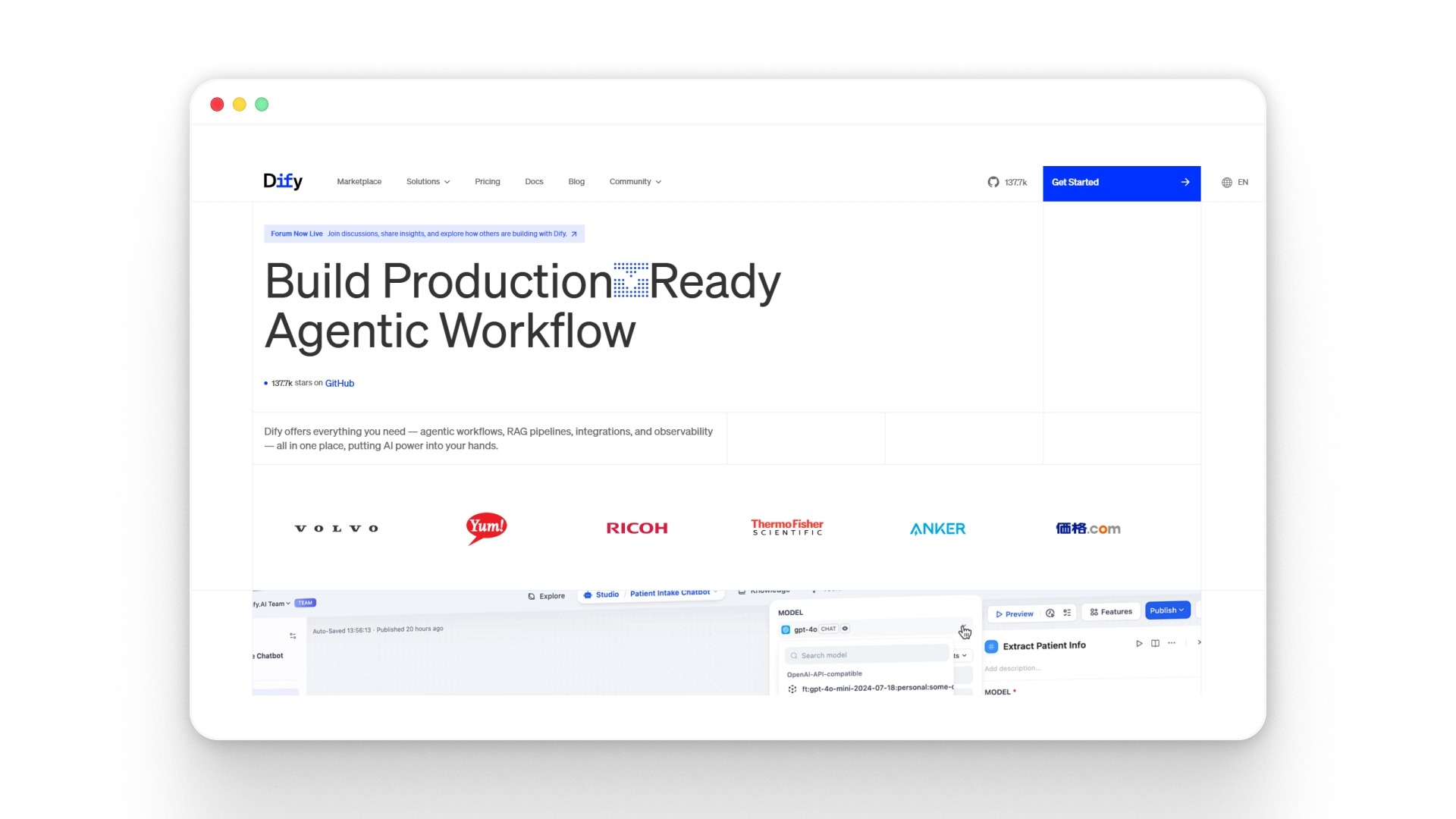
Dify is an open-source platform that lets teams build AI agents and applications using a visual interface, combining workflows, knowledge bases, and model integrations in one place.
It stands out for giving control over how agents think, act, and use tools, making it suitable for building structured, multi-step AI systems rather than simple bots.
Key features
- Dify provides a visual workflow builder that allows users to design multi-step AI logic using drag-and-drop components without writing code.
- It supports agent-based execution, allowing AI to use tools, retrieve knowledge, and make decisions through built-in agent frameworks.
- The platform integrates with multiple Large Language Models (LLMs), including OpenAI, Anthropic, and others, enabling flexible model selection.
- It includes Retrieval-Augmented Generation (RAG) pipelines and knowledge base integration so agents can work with internal data and documents.
- Dify offers built-in monitoring and Large Language Model Operations (LLMOps) capabilities to track performance, logs, and improve agent behavior over time.
Best for: Teams that want control over how AI agents are built, structured, and deployed across workflows using a flexible, customizable system.
Pros
- Strong control over agent logic and workflows
- Open-source with no vendor lock-in
- Supports multi-step agent reasoning and execution
- Flexible model integration across providers
- Good for building custom AI applications
Cons
- Requires a learning curve for workflow design
- Not fully plug-and-play for beginners
- UI can feel complex for non-technical users
- The setup effort is higher than that of simpler tools
- Needs planning for production-ready use
Pricing: Dify offers a free Sandbox plan, Professional at $59/month, Team at $159/month, and custom Enterprise pricing.
8. Vellum
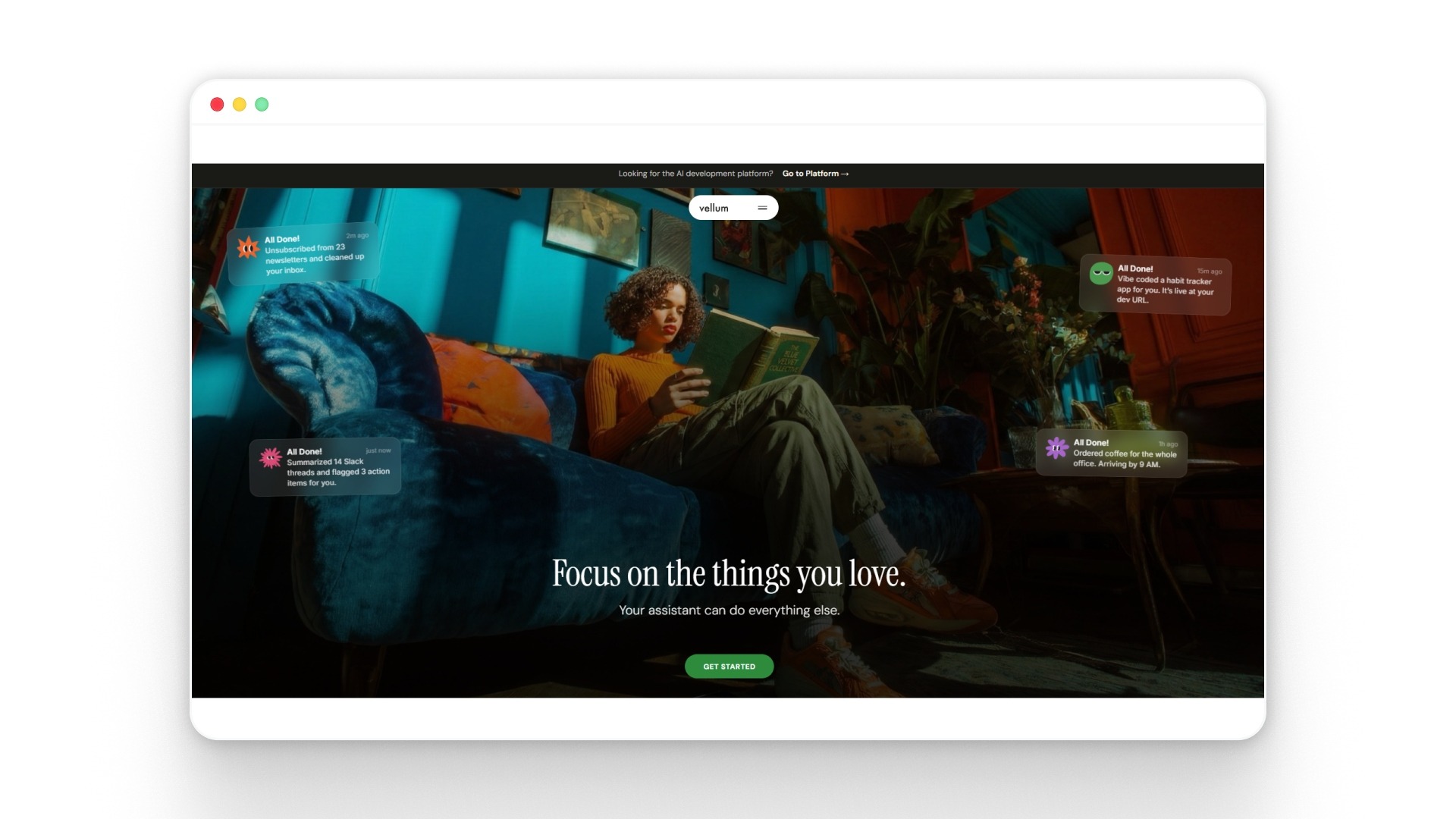
Vellum is a no-code AI agent builder that lets teams create, test, and deploy agents by simply describing what they want in natural language. It focuses heavily on reliability, giving teams built-in tools to evaluate, version, and monitor agent performance before and after deployment.
Key features
- Vellum allows users to build AI agents using plain language prompts, automatically generating workflows and logic without manual setup.
- It includes built-in evaluation and testing tools that enable teams to compare outputs, detect failures, and improve agent behavior before deployment.
- The platform supports visual workflow editing along with SDK extensions, giving flexibility for both non-technical and technical teams.
- Vellum provides observability features such as logs, metrics, and tracing to monitor how agents perform in real-world workflows.
- It enables integration with 100+ tools and systems, allowing agents to read, write, and act across business workflows.
Best for: Teams that want to build reliable AI agents with strong testing, evaluation, and performance monitoring before scaling to production.
Pros
- Strong evaluation and testing capabilities built in
- Prompt-based agent creation without coding
- Good balance of no-code and developer flexibility
- Observability across agent performance and outputs
- Suitable for production-grade AI workflows
Cons
- Requires time to understand evaluation workflows
- Not focused on plug-and-play automation use cases
- The interface may feel technical for beginners
- Setup involves structured workflow thinking
- Less suited for simple task automation use cases
Pricing: Vellum has prepaid credits in $10, $25, $50, or $100 increments, not fixed public plan pricing.
9. Flowise
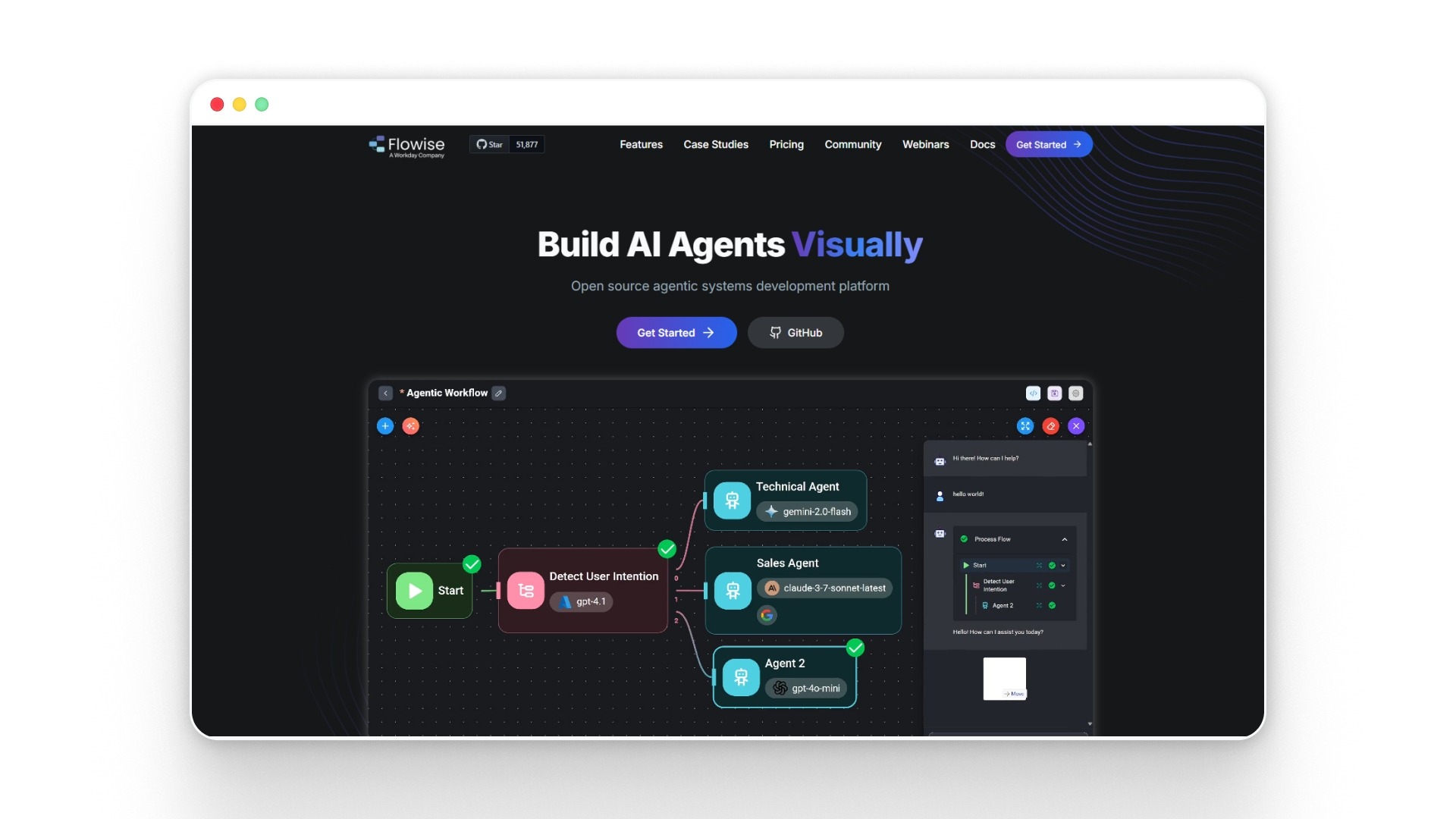
Flowise is an open-source, no-code platform that lets teams build AI agents and LLM workflows using a visual drag-and-drop interface.
It is designed for flexibility, allowing users to create everything from simple assistants to multi-step agent systems with memory, reasoning, and integrations.
Key features
- Flowise provides a visual builder that lets users design AI agents and workflows using drag-and-drop components rather than writing code.
- It supports the development of agentic systems capable of reasoning, acting, and executing multi-step tasks across workflows.
- The platform includes ready-to-use templates for use cases like RAG, chat assistants, and document-based workflows.
- Flowise offers modular building blocks, including chaining, routing, and parallel execution, to enable more advanced agent logic.
- It allows integration with APIs, vector databases, and external tools, enabling agents to access and act on real-time data.
Best for: Teams that want to build customizable AI agents with more control over logic, memory, and workflows without being locked into rigid templates.
Pros
- Open-source with full customization flexibility
- Strong support for multi-step agent workflows
- Visual builder reduces coding complexity
- Supports memory and context-aware agents
- No vendor lock-in with self-hosting option
Cons
- Requires technical understanding for setup
- UI can feel complex for non-technical users
- Needs infrastructure for scaling reliably
- Not plug-and-play for business teams
- Limited enterprise governance out of the box
Pricing: Flowise offers a Free plan, Starter at $35/month, Pro at $65/month, and custom Enterprise pricing.
10. Jotform AI Agents
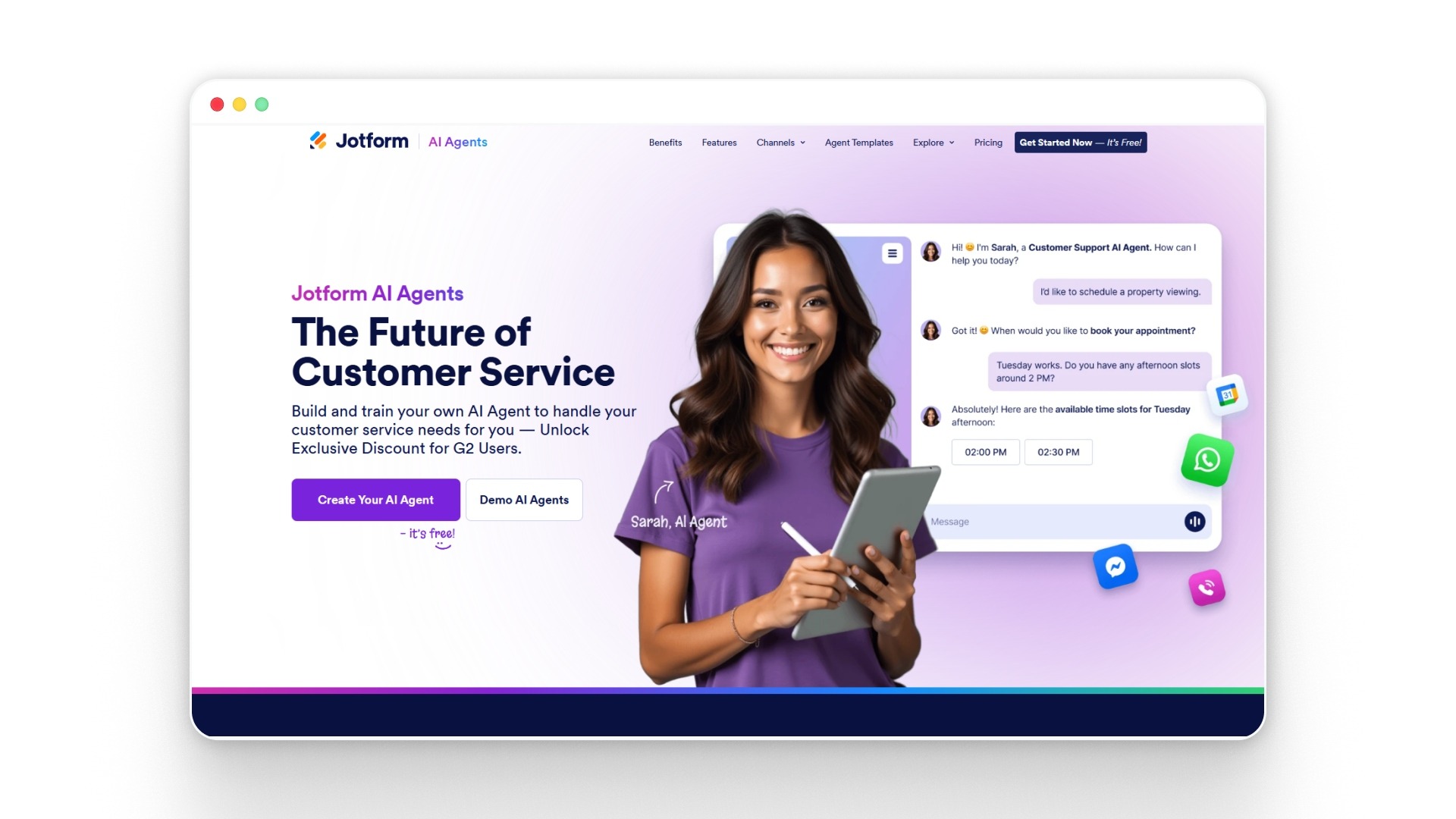
Jotform AI Agents are no-code AI agents designed to automate conversations, data collection, and customer interactions across channels like chat, voice, and forms.
They are built around workflows such as form filling, lead capture, and support queries, where the agent can guide users, collect data, and trigger actions automatically.
Key features
- Jotform AI Agents enable conversational interactions that guide users through tasks such as form filling, answering queries, and onboarding users without manual input.
- The platform offers 7,000+ pre-built agent templates, enabling quick deployment across use cases such as customer support, sales, and feedback collection.
- Agents can operate across multiple channels, including web chat, voice, phone, WhatsApp, and Messenger, for consistent user engagement.
- It supports integrations with tools like Slack, Google Calendar, and APIs to automate workflows and sync data across systems.
- The platform allows training agents using documents, URLs, and knowledge bases, enabling context-aware responses and task execution.
Best for: Teams that want to automate customer interactions, form-based workflows, and data collection without building complex systems.
Pros
- Strong for form-based workflows and data capture
- Large template library for quick setup
- Multi-channel deployment across platforms
- Easy to build and train agents
- Good for support and lead collection
Cons
- Limited depth for complex multi-step workflows
- Less suited for enterprise-grade orchestration
- Heavy reliance on form-based use cases
- Limited control over advanced decision logic
- Not built for high-scale operational automation
Pricing: Jotform offers Starter free, Bronze at $34/month, Silver at $39/month, Gold at $99/month, and custom Enterprise pricing.
Also read: 10 Best Conversational AI Platforms in 2026
The right tool still depends on how the agent is designed, because even a strong platform can fall short if the workflow is too shallow or poorly mapped.
Best Practices for Designing a No-Code AI Agent Platform for Business Users
Designing a no-code AI agent platform for business users requires more than drag-and-drop tools. It should balance ease of use with execution depth, so teams can build agents that complete real work across systems with reliability, control, and measurable outcomes.
To make a no-code AI agent effective in real business environments, here are the key practices to follow:
- Design for real workflows, not isolated tasks: Build agents around complete processes like lead qualification, ticket resolution, or document handling, so the no-code AI agent doesn’t break midway and require manual intervention.
- Keep the interface simple, but allow depth underneath: A no-code AI agent builder should feel intuitive for business users while still supporting advanced logic, branching, and multi-step execution when needed.
- Enable strong system integrations from the start: Agents must connect with customer relationship management (CRM), enterprise resource planning (ERP), and other internal systems so they can read, update, and act on real data.
- Maintain context across interactions: A no-code AI agent should remember previous steps, user inputs, and workflow states to complete tasks without restarting or losing information.
- Built-in observability and performance tracking: Teams need visibility into how agents perform, where they fail, and what needs improvement. Without this, scaling a no-code AI agent builder becomes difficult.
- Support multi-agent orchestration for complex tasks: Instead of relying on a single agent, design systems where specialized agents handle different parts of a workflow for better accuracy and efficiency.
- Ensure security, governance, and access control: Enterprise use requires data protection, role-based access, and audit trails to ensure the no-code AI agent operates safely across sensitive workflows.
- Allow controlled customization without compromising usability: Business users should be able to adjust workflows, rules, and behaviors without engineering support, while maintaining system stability.
- Test workflows before scaling: Validate how the no-code AI agent performs under real conditions to avoid breakdowns when volume increases.
NUplay by Nurix AI supports these best practices by combining multi-agent orchestration, deep integrations, real-time observability, and governance for enterprise voice and chat workflows.
How to Pick the Right No-Code Agent Platform?
Picking a no-code AI agent platform decides whether your workflows actually run on their own or keep falling back to manual handling.
Here’s what to look at before choosing one:
- Workflow mapping: The interface should let your team map real workflows, not just simple flows, so agents can handle multi-step tasks without having to break off midway.
- Integration depth: Integrations should go beyond surface-level connections and allow agents to pull, update, and act on data inside your CRM, support tools, and internal systems.
- Context handling: The agent should handle context across steps, so it can complete tasks like resolving a ticket or qualifying a lead without restarting or losing information.
- Execution reliability: Execution reliability matters; once volume increases, the platform should handle parallel workflows without delays or failures.
- Performance visibility: Built-in visibility should show where agents succeed, where they fail, and why, so teams can fix gaps without guesswork.
- Security controls: Security controls should allow you to manage data exposure, access levels, and audit trails, especially for customer-facing or sensitive workflows.
These checks help narrow the list, but the final evaluation should also look at cost, ownership, security, and what happens after launch.
Buyer-Evaluation Framework
Use this framework to compare no-code AI agent platforms beyond features, focusing on effort, cost, integrations, governance, performance visibility, ownership, and measurable business impact. Before choosing a no-code AI agent platform, evaluate:
- Implementation effort: Setup time, workflow mapping, and technical support needed.
- Pricing model: Costs based on users, credits, tasks, conversations, or workflow runs.
- Integration depth: Ability to read, update, and act across Customer Relationship Management (CRM), support, and internal systems.
- Security and governance: Access controls, audit logs, data retention, and Personally Identifiable Information (PII) handling.
- Voice vs. chat needs: Whether the platform supports voice, chat, or both.
- Observability and testing: Logs, metrics, testing tools, and failure tracking.
- Internal ownership: Who manages workflows and improvements after launch.
- Return on Investment (ROI): Track resolution time, containment, conversions, cost savings, and escalation reduction.
Here, NUplay by Nurix AI works as an execution layer for voice and chat workflows, helping teams run AI agents with visibility, control, and governance.
Final Thoughts
No-code AI agents are useful only when they can run real workflows without breaking under scale, integrations, or complexity. The platforms covered here show that the real decision is choosing one that can complete end-to-end tasks and reduce manual intervention in day-to-day operations.
NUplay by Nurix AI fits this need by helping teams run voice and chat AI agents across support, sales, and internal workflows with visibility and control.
No-code AI agents deliver value when they can execute real workflows reliably, and if you are evaluating this seriously, scheduling a custom demo is the best way to see how it works in practice.
If your team is evaluating no-code AI agents for real workflows, book a Custom Demo to see how NUplay by Nurix AI runs end-to-end execution across your support, sales, and internal operations.
Author: Sakshi Batavia, Marketing Manager
Sakshi Batavia is a marketing manager focused on AI and automation. She writes about conversational AI, voice agents, and enterprise technologies that help businesses improve customer engagement and operational efficiency.
Yes, many no-code AI platforms, including Nurix AI, support multilingual capabilities with advanced NLP models, enabling enterprises to serve global customers seamlessly across languages.
They employ encryption, access controls, and compliance frameworks such as General Data Protection Regulation (GDPR) and Service Organization Control 2 (SOC 2) to protect sensitive enterprise data throughout AI processing and storage.
Absolutely. With built-in compliance features and audit trails, no-code AI agents can be tailored to meet stringent industry regulations such as finance, healthcare, and legal sectors.
No-code AI agents handle routine, repetitive tasks, freeing human agents to focus on complex, high-value interactions requiring empathy and judgment.
It depends on the platform, as most no-code AI agent builders rely on pre-built integrations, which can simplify setup but limit depth and control across systems. For real-time order processing at that scale, the challenge usually shifts to handling data consistency, latency, and workflow reliability rather than just making the connections.
Don’t miss what’s next in AI.
Subscribe for product updates, experiments, & success stories from the Nurix team.